

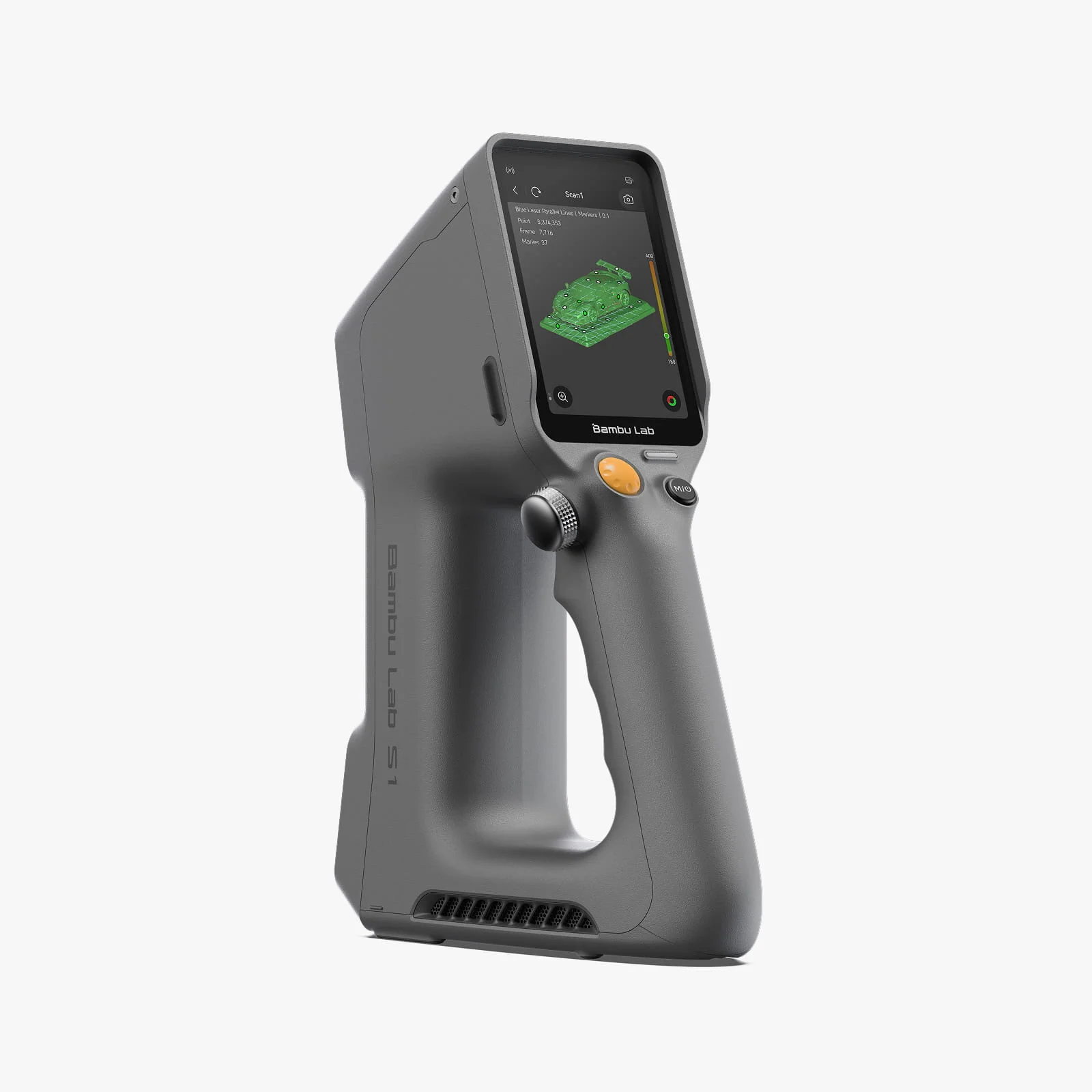
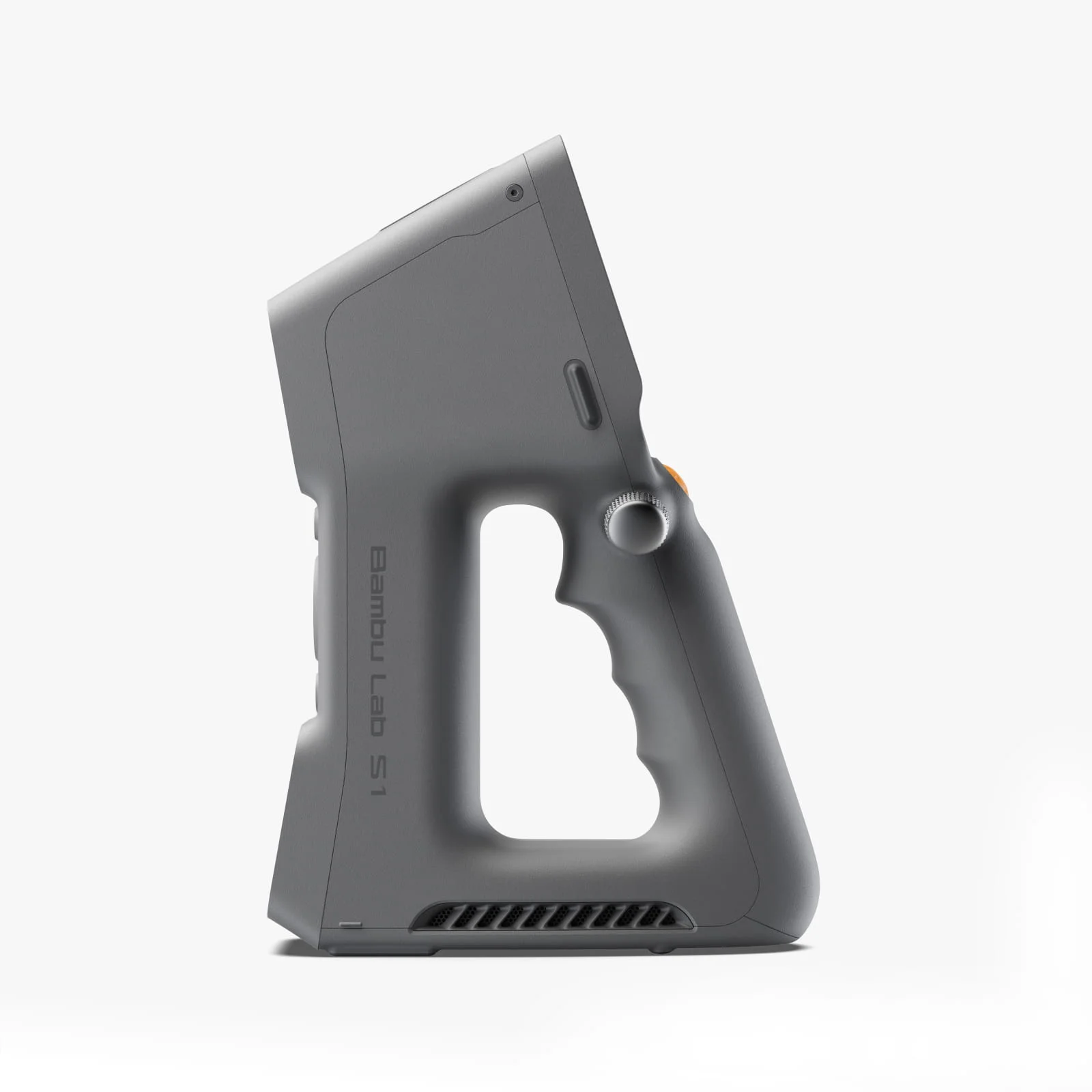
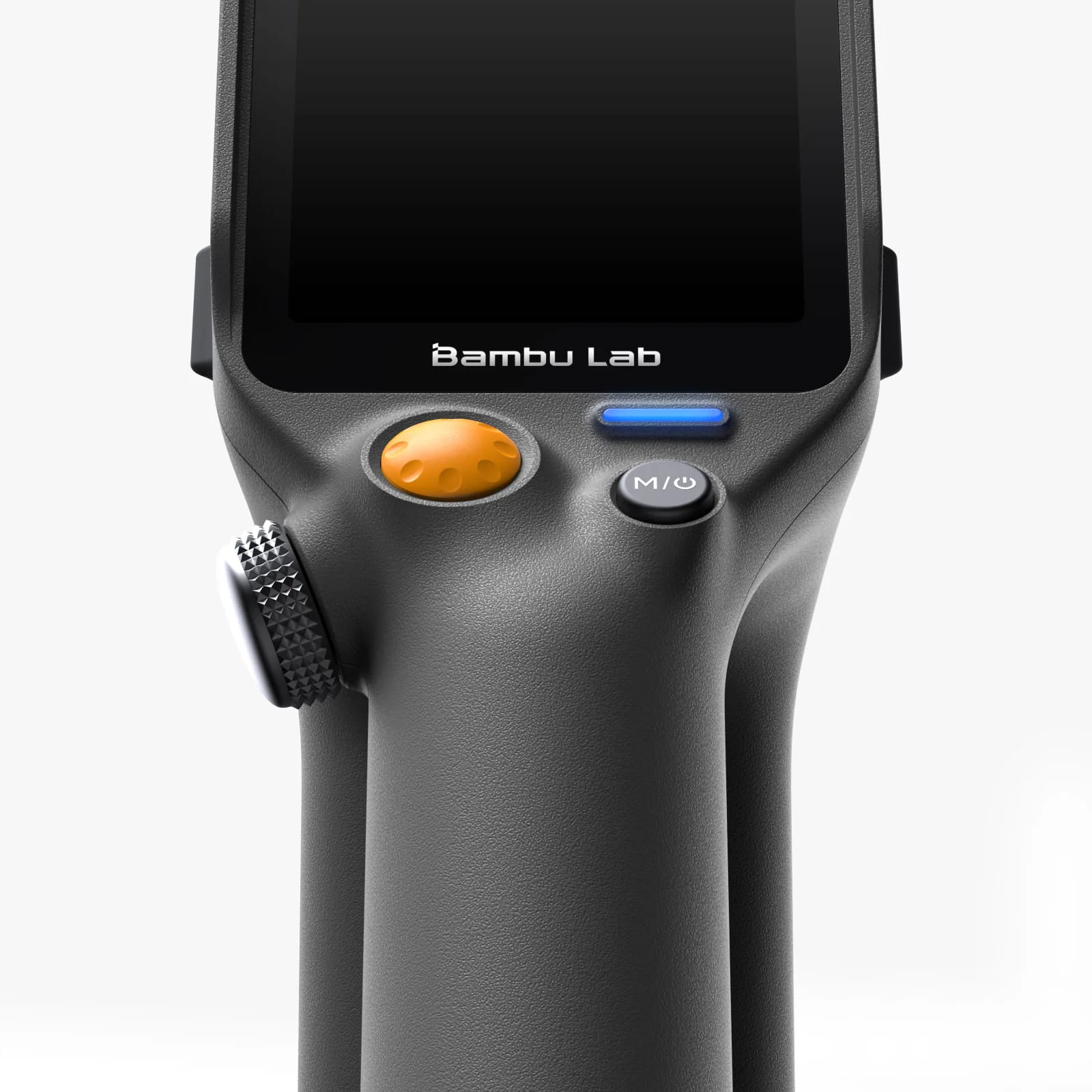
Bambu Lab S1 3D Scanner, Wireless Handheld Blue Laser + IR, 0.02mm Accuracy, 90FPS, 3.5-inch Touchscreen
- Bambu Lab’s first 3D scanner: fully wireless, with built-in battery, Wi-Fi 6 and a 3.5-inch touchscreen
- Two light sources, four modes: single blue line, 7 parallel lines, 34 cross lines and IR structured light
- Up to 0.02 mm accuracy (volumetric 0.02 mm + 0.06 mm/m) at up to 90 fps
- Full-colour texture with a built-in RGB camera
- Up to 3.5 hours on 2 × 4800 mAh batteries, 1.5-hour fast charge
- Bambu Scan software with 14 presets, 8 free editing tools and one-click export to Bambu Studio
Available on backorder
₨ 1,049,000
Available on backorder
Bambu Lab S1: Wireless 3D Scanning That Goes Straight to Your Printer
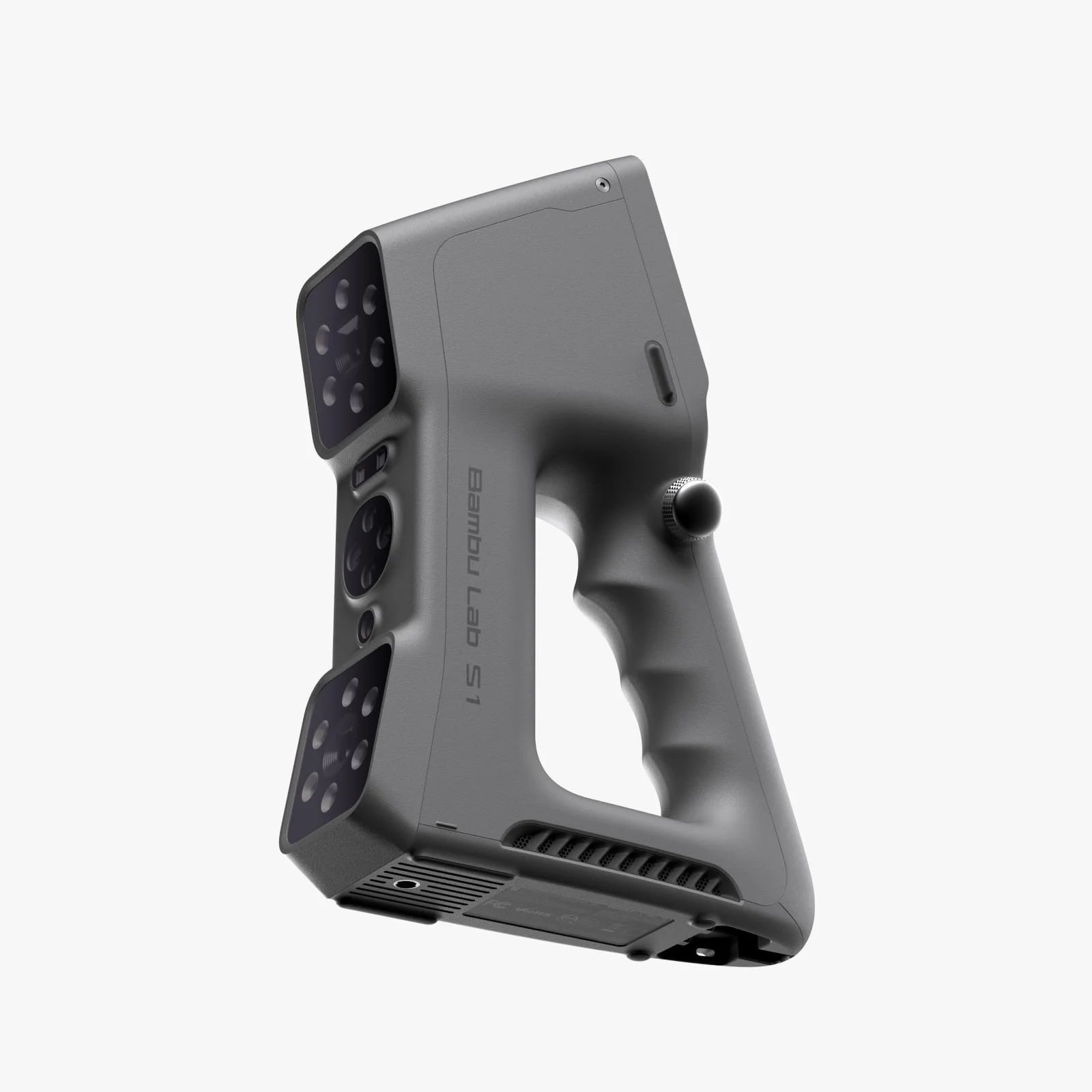
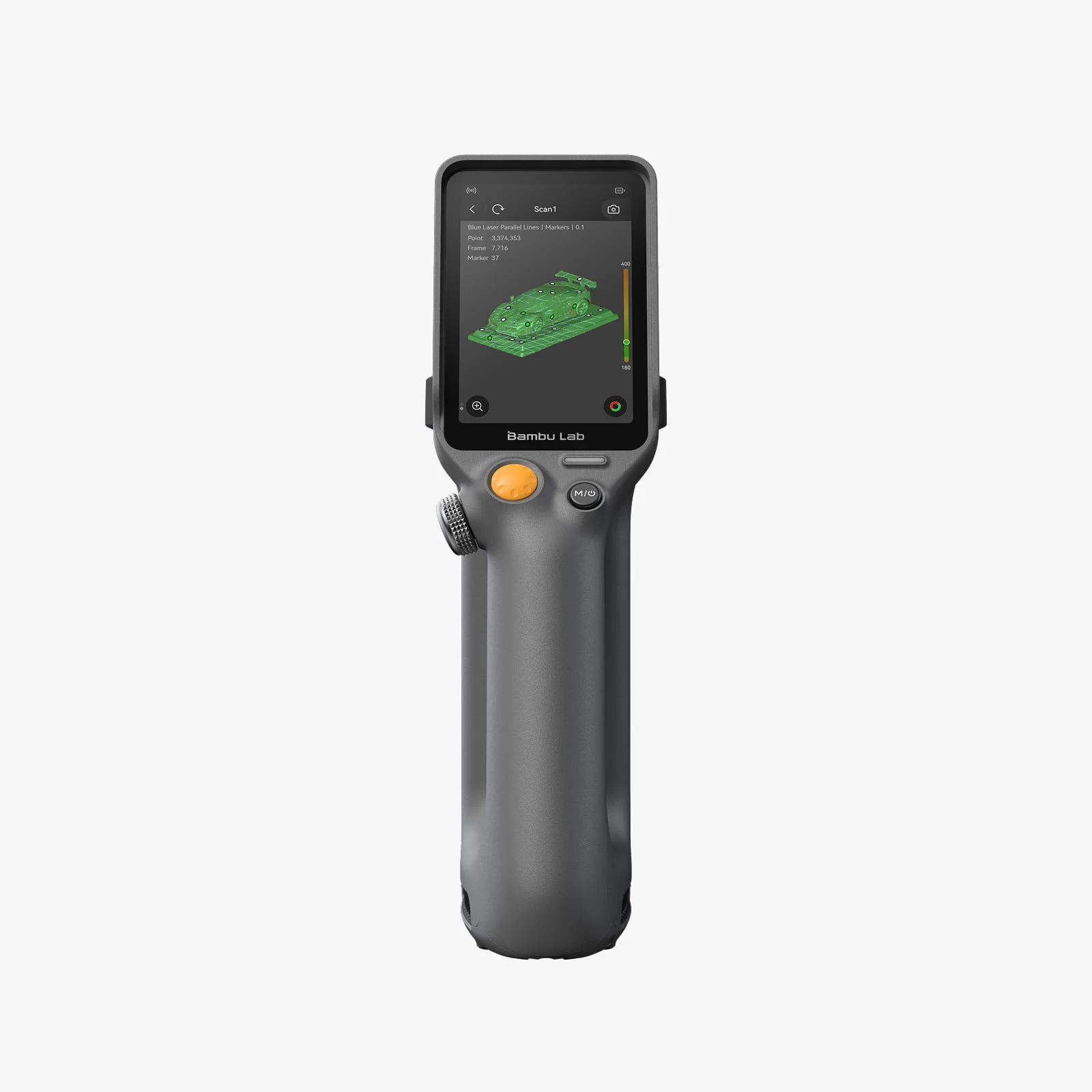
The Bambu Lab S1 is Bambu Lab’s first handheld 3D scanner, built for makers who want professional scans without a complicated setup. Everything is inside one pistol-grip body: two 4800 mAh batteries, a 3.5-inch touchscreen and Wi-Fi 6. You don’t need a separate battery pack, display or wireless module to scan away from your desk.
It combines a blue laser with infrared (IR) structured light, reaching up to 0.02 mm accuracy and 90 frames per second. When the scan is done, one click sends the model to Bambu Studio, ready to print on printers like the Bambu Lab A1, Bambu Lab P3C or Bambu Lab H3C.
Key Features
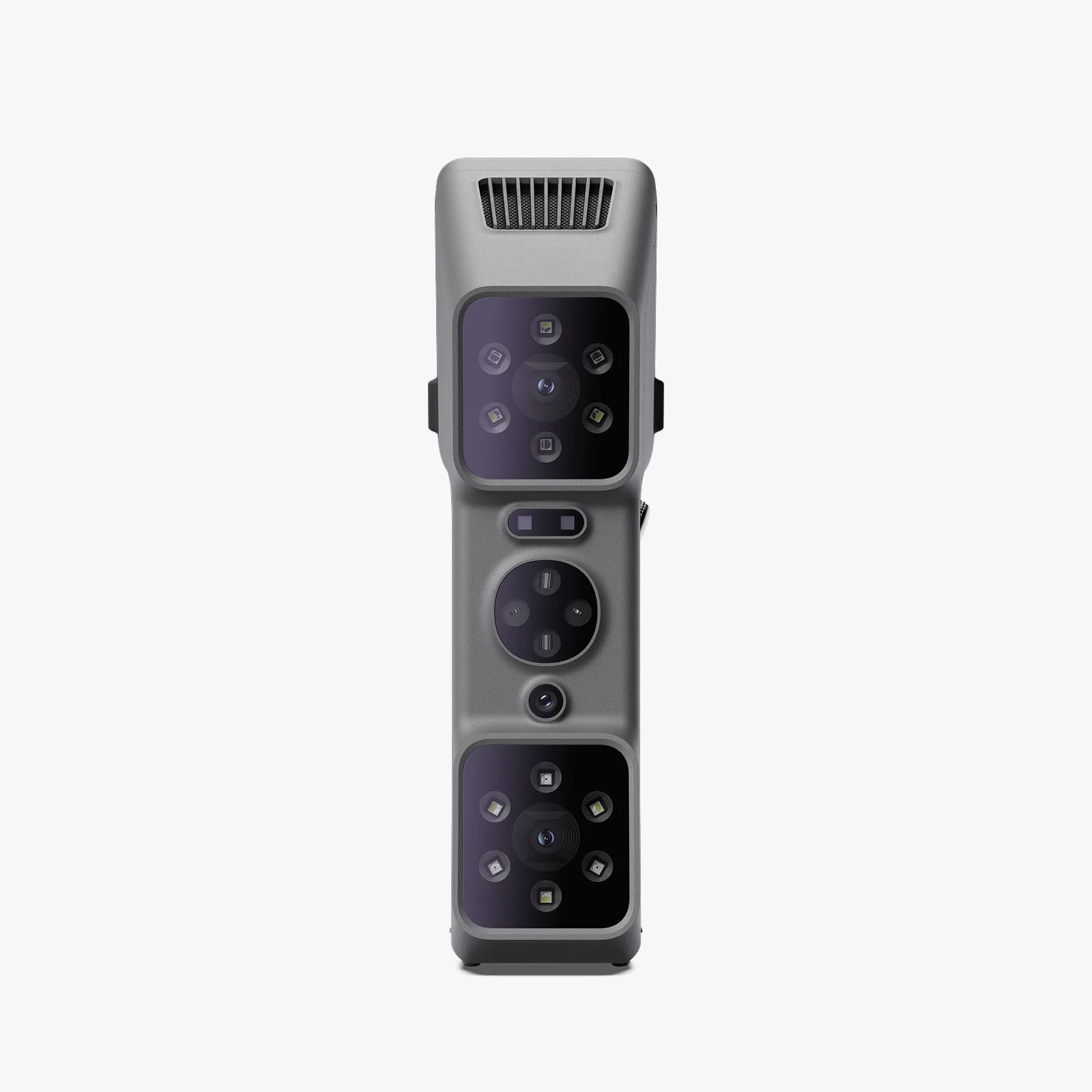
- Four scanning modes: 34 crossed blue lines for fast coverage of large areas, 7 parallel lines for fine detail, a single line for deep holes and tight spaces, and IR structured light for quick scans of people and larger objects.
- High accuracy: up to 0.02 mm with the blue laser and 0.06 mm with IR. Volumetric accuracy is 0.02 mm + 0.06 mm/m (laser).
- Fine detail: minimum point spacing of 0.05 mm in 7-line mode, and objects as small as 5 × 5 × 5 mm.
- True colour: a built-in RGB camera plus 6 blue-and-white and 6 infrared fill lights.
- All-in-one wireless design: scan wirelessly over Wi-Fi 6 with millisecond-level latency, or connect by cable.
- Long battery life: up to 3.5 hours per charge, and a full charge in about 1.5 hours with the included fast charger.
- Comfortable grip: 710 g, with the buttons and scroll wheel under your thumb so you can start, pause and zoom without changing grip.
Bambu Scan Software
The free Bambu Scan software is designed to make scanning simple. Answer a few questions about your object and it chooses the settings for you, or pick one of 14 presets, such as face, body, mini figures, small parts, automotive parts, cultural relics, or glossy black parts.
It also includes 8 advanced editing tools at no extra cost: quick measurement, coordinate alignment, reference models, feature fitting, feature creation and measurement, a 3D deviation heatmap, and sculpting. These are useful for reverse engineering and quality inspection as well as for printing.
From Scan to Print
Scan a broken bracket, knob or car part, clean it up in Bambu Scan, send it to Bambu Studio, and print a replacement. For strong functional parts use PA6-CF, ASA or PETG. For figures and display models, PLA or matte PLA gives a clean finish. Keep spools in a filament dryer during the humid season for the best results.
Applications
Reverse engineering and replacement parts, automotive parts and accessories, product design, quality inspection, cosplay and props, figurines and art, cultural relics and antiques, body and face scans, and engineering education.
Computer Requirements
Bambu Scan currently runs on Windows only (macOS support is planned).
- Minimum: Intel Core i7 7th Gen or AMD Ryzen 7, 64-bit Windows 10/11, 16 GB RAM, NVIDIA RTX 2060 or newer with 6 GB VRAM.
- Recommended: Intel Core i7 13th Gen or AMD Ryzen 9, 32 GB RAM, NVIDIA RTX 3060 or newer with 8 GB VRAM.
- For wireless scanning the PC needs Wi-Fi 6, or Bambu Lab’s Wi-Fi adapter (sold separately).
Compare Our Scanners
Also see the Creality Sermoon S1 with its wireless Creality Scan Bridge, the metrology-focused CR-Scan RaptorX and Sermoon X1, or the budget-friendly CR-Scan Ferret Pro.
Buying in Pakistan from Electrobes
- Scan to print: pair your scanner with our FDM 3D printers and filaments to reproduce and improve real parts.
- Computer: check the recommended PC specification before ordering; scanning software needs a strong graphics card.
- Browse all 3D scanners and CNC and 3D printer machines.
- Model: Bambu Lab S1
- Type: Wireless handheld 3D scanner
- Light Sources: Blue laser + IR structured light
- Scanning Modes: Blue single laser line; blue 7 parallel lines; blue 34 crossed lines; IR structured light
- Accuracy: Up to 0.02 mm (blue laser); up to 0.06 mm (IR)
- Volumetric Accuracy: 0.02 mm + 0.06 mm/m (blue laser); 0.06 mm + 0.1 mm/m (IR)
- Frame Rate: Up to 90 FPS (blue laser); up to 30 FPS (IR)
- Minimum Point Spacing: 0.05 mm (7 lines); 0.1 mm (single line and 34 lines); 0.2 mm (IR)
- Minimum Scan Volume: 5 × 5 × 5 mm (blue laser); 150 × 150 × 150 mm (IR)
- Scanning Area: Up to 491 × 367 mm at 600 mm (blue laser); up to 732 × 612 mm at 1000 mm (IR)
- Working Distance: 180–600 mm (single line and 34 lines); 180–400 mm (7 lines); 180–1000 mm (IR)
- Alignment: Texture, feature and marker alignment, and combinations (marker alignment in laser modes)
- Colour Texture: Supported (built-in RGB camera)
- Fill Lights: 6 blue-and-white + 6 infrared
- Laser Safety: Class 1 (7 lines and IR); Class 2 (single line and 34 lines)
- Screen: 3.5-inch touchscreen
- Battery: 2 × 4800 mAh, up to 3.5 hours
- Charging Time: About 1.5 hours (0–100% with the included fast charger)
- Connectivity: Wi-Fi 6 (802.11ax) wireless or wired
- Calibration: High-precision glass calibration board
- Software: Bambu Scan (Windows; macOS planned), one-click export to Bambu Studio
- Weight: 710 g
- Dimensions: 233 × 160 × 77 mm
- Operating Temperature: -10 °C to 40 °C
- Operating Humidity: 10–90% RH (non-condensing)
Based on 0 reviews
Be the first to review “Bambu Lab S1 3D Scanner, Wireless Handheld Blue Laser + IR, 0.02mm Accuracy, 90FPS, 3.5-inch Touchscreen”
You must be logged in to post a review.


There are no reviews yet.